
My Mouse Input Does Nothing
Click inside the game frame, then try a short tap. The Jam Version is designed around mouse and touchscreen input.
Jump, spin, and keep moving through a colorful skatepark challenge using a single input. This is the original Tap Tricks game-jam prototype, built around simple controls and tricky timing.
Tap to jump. Hold to spin or push forward. Learn how to control your momentum and navigate each skatepark challenge.
You are loading the original Jam Version of Tap Tricks.Use your mouse or touchscreen to control the game. Reloading may restart your current level.
The Jam Version lists mouse and touchscreen inputs. Specific keyboard movement controls are not part of the published instructions.
Try another one-button skating game, take on a city score challenge, or try Hippy Skate’s two-button controls. Find a different kind of timing challenge without leaving the site.
 01
01Play, learn the controls, and find your line. This page brings an independent fan project and a useful first-session guide together.
 02
02Tap to ollie, double tap for a kickflip, or hold a manual.
 03
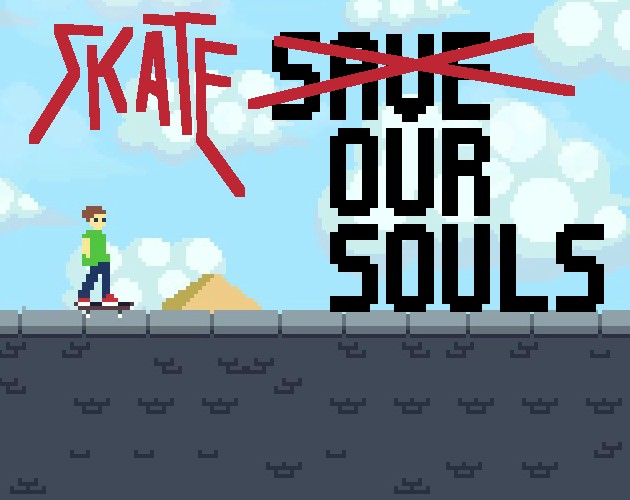
03Time your taps to explore jumps and tricks.
 04
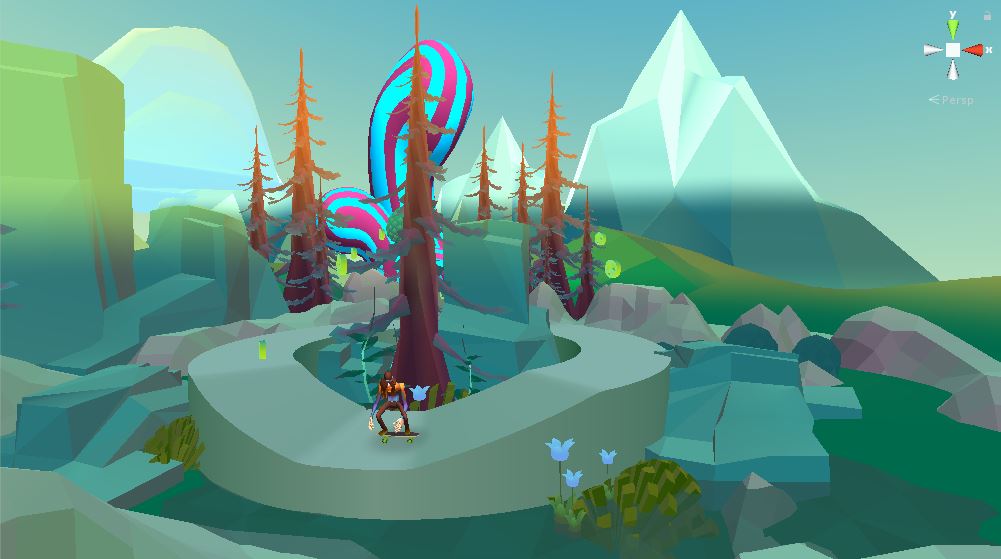
04Two keys, rolling hills, and a route full of peace signs.
Select Play Tap Tricks and wait for the Jam Version to load. Use your mouse or touchscreen to interact with the game.
Tap to jump. Hold the same input to spin or push forward, depending on the situation. Practice these actions separately before trying faster movements.
Watch how your character moves after each input. Experiment with shorter and longer holds, then focus on controlling your movement before the next obstacle or landing.
Tap Tricks is a one-button skateboard game created by Salman Shurie for Ludum Dare 48. The Jam Version is a compact prototype where each level acts as a skatepark for experimenting with jumps and movement.
The main idea is simple: tapping makes your character jump, while holding the input is used for spinning or pushing forward. Learning when to tap, hold, and release is central to the game.
This page features the original Jam Version rather than the later updated edition. The two versions should not be treated as identical.
The Jam Version lists mouse and touchscreen inputs. Specific keyboard movement controls are not part of the published instructions.
Use short taps in a safe section of the level. Get comfortable with the timing before combining actions.
Try a short hold and then a longer hold. Observe how the duration affects movement or spinning.
After a jump or rotation, pay attention to your character's position before attempting the next action.
Choose a difficult section and repeat it. Change one input at a time rather than trying several new movements together.
Click inside the game frame, then try a short tap. The Jam Version is designed around mouse and touchscreen input.
Holding the input can trigger spinning. Release it and experiment with shorter holds to better control the movement.
This page uses the original Jam Version. The later updated edition may behave differently.
Wait for the HTML5 game to load. If it stops responding, use Reload to restart the embedded player.
Controls, loading, and a few things to know before your next run.
Tap Tricks is a one-button skateboard game created for Ludum Dare 48. This page features the original Jam Version.
Tap the game input to jump.
Hold the input. The developer describes holding as the action used for spinning or pushing forward.
The Jam Version lists mouse and touchscreen as its supported input methods. WASD controls are not part of the published instructions.
No. This page features the original game-jam prototype. The developer later released an updated version.
The developer lists touchscreen input and describes the game as touch-friendly. However, the embedded version on this website still needs a basic mobile loading check before mobile compatibility can be confirmed.
Return to Tap Tricks and see how far better timing can take you.