
Still Loading
Allow time for the WebGL download. If progress stops, check your connection and use Reload to start the player again.
Find a rhythm with two keys. Push, crouch, and release into an ollie as you follow a colorful course and collect its peace signs.
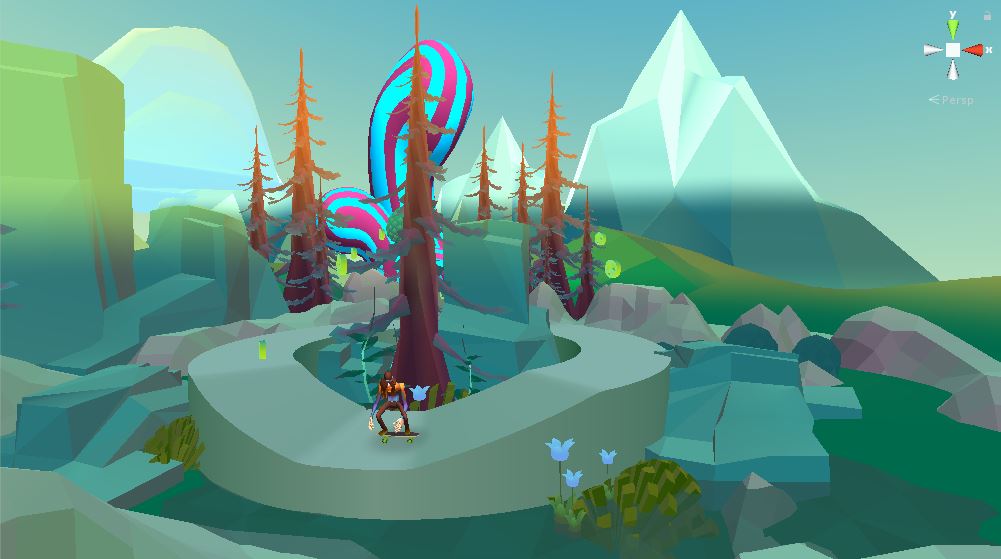
Read the slope. Time the release. Keep your next landing in sight.
Allow the Unity WebGL player to finish loading, then click its welcome screen.Click inside the player before using Space and Down Arrow. A desktop keyboard is recommended.
This page runs the developer’s older browser build. Use a physical keyboard; touch play and parity with the later mobile release are not confirmed.
Try a city run, a compact one-button challenge, or the homepage’s 3D browser fan project. Each has its own controls guide.
 01
01Play, learn the controls, and find your line. This page brings an independent fan project and a useful first-session guide together.
 02
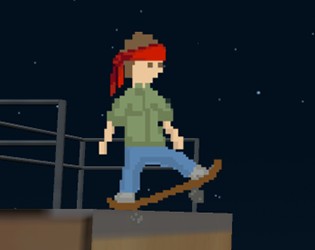
02Tap to ollie, double tap for a kickflip, or hold a manual.
 03
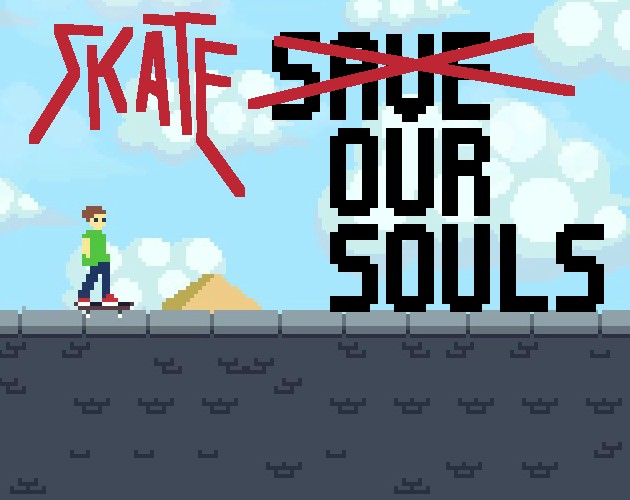
03Time your taps to explore jumps and tricks.
 04
04Use one button for jumps, momentum, and spins.
Select Play Hippy Skate. After loading, click the welcome screen and follow the game’s opening instructions.
Build momentum with Space. Prepare a jump with Down Arrow, then let go when you are ready to take off.
Look for peace signs and a clear landing. Repeat a familiar section before adding a kickflip.
Hippy Skate is a skateboarding game by EddyGames built around two keyboard inputs. Its courses turn simple actions into a timing challenge: each push, crouch, and jump changes how you approach the next part of the route.
Collect the peace signs to finish a level. Once a route feels familiar, return to it and work on a cleaner sequence rather than pressing the keys faster. A useful first goal is to know where you want to land before you leave the ground.
This player contains an older Unity WebGL edition. The developer later released a mobile version, so screenshots, features, and progress from another edition may differ. Start with the instructions inside this player.
This page runs the developer’s older browser build. Use a physical keyboard; touch play and parity with the later mobile release are not confirmed.
Choose a short piece of the course. Notice the slope, collectible position, and space available after the jump.
Try releasing the crouch slightly earlier or later. Keep the rest of the approach similar so you can judge the result.
Once the first jump feels familiar, look ahead to the next. A calm landing gives you time to prepare.
After learning the route, reduce unnecessary inputs. Use a completed run as your reference for the next attempt.
Allow time for the WebGL download. If progress stops, check your connection and use Reload to start the player again.
Click directly inside the game before pressing a key. Leaving the player to use another page control may move keyboard focus.
Try a current desktop browser with hardware acceleration enabled. Close other graphics-heavy tabs, then reload.
This is the older browser build. Follow its own tutorial rather than assuming that instructions for the mobile edition apply.
Controls, loading, and a few things to know before your next run.
The main inputs are Space and Down Arrow. Space pushes the board; Down Arrow prepares a crouch, with the release triggering an ollie. Click inside the player first.
Collect every peace sign on the course. On a first attempt, concentrate on finding the route and reaching the collectibles before trying to improve your time.
An ollie happens when you release Down Arrow. Holding it is the preparation phase, so plan the release before you reach the edge.
Hold Space as you ollie. Get comfortable with an ordinary jump first, then add the second input on a familiar section.
This is the older browser edition hosted by the developer. The later mobile release is a separate version; this page does not promise matching features or shared progress.
The page fits smaller screens, but the embedded browser build is presented with keyboard controls. Use a desktop or laptop for this version; touchscreen gameplay has not been verified.
Return to the player and make your next attempt a little more deliberate.