
The Game Takes Too Long to Start
The developer recommends giving the WebGL version time to load on the first visit. Wait for the loading screen before attempting a refresh.
Take on a pixel-art city skating challenge where timing matters. Tap to jump, double-tap for a kickflip, and hold a manual to earn more points while avoiding dangerous ledges.

Three simple inputs. One challenge: keep skating and build your score without losing control.
This Unity WebGL game may take a minute to load on your first visit.Click or tap inside the game to focus. Use Reload if the game stops responding.
The developer describes tap and hold controls. Exact physical keyboard bindings have not been confirmed.
Try a one-button trick challenge, explore another skating game, or practice a two-button skating route. Each game has its own page and controls guide.
 01
01Play, learn the controls, and find your line. This page brings an independent fan project and a useful first-session guide together.
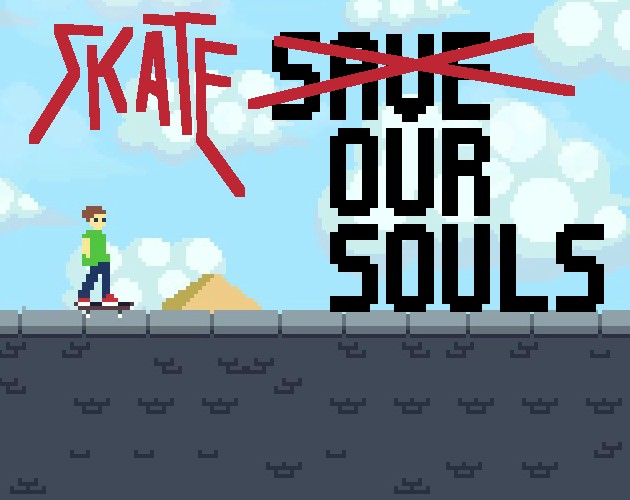 02
02Time your taps to explore jumps and tricks.
 03
03Use one button for jumps, momentum, and spins.
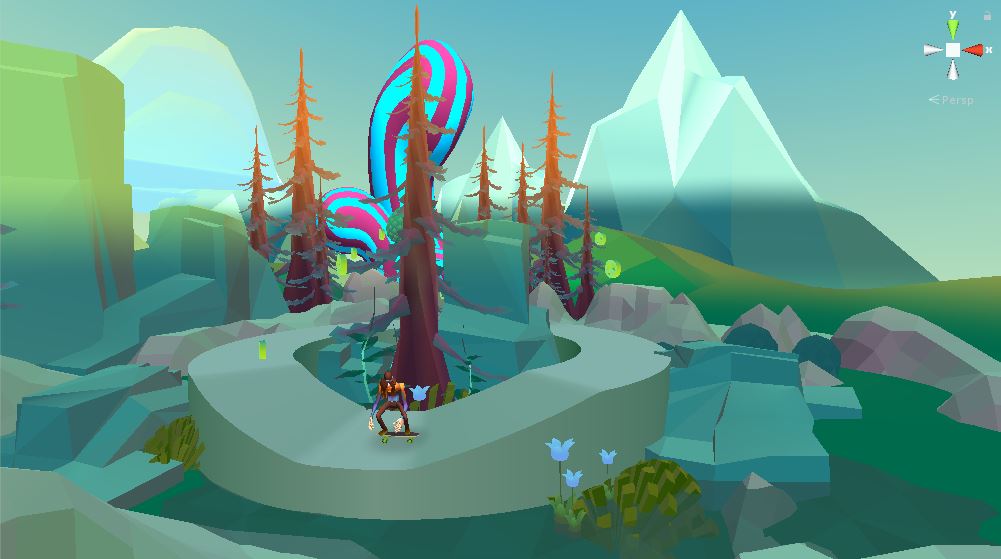 04
04Two keys, rolling hills, and a route full of peace signs.
Select Play Street Skater – City and wait for the WebGL game to finish loading. Click or tap inside the player before using the controls.
Use a single tap for an ollie and a quick double tap for a kickflip. Practice the timing before approaching a dangerous ledge.
Press and hold to perform a manual and gain more points. Mix careful jumps with manuals, and focus on staying in control for longer runs.
Street Skater – City is a pixel-art skateboarding game developed by Smashing Pixels. Instead of complicated keyboard combinations, it focuses on a small set of tap-based actions and the timing needed to use them.
Your goal is to keep skating through the city, avoid dangerous ledges, and improve your score. An ollie helps you jump, a double tap triggers a kickflip, and holding the input performs a manual that can earn additional points.
The controls are simple to learn, but deciding when to use each action is the challenge.
The developer describes tap and hold controls. Exact physical keyboard bindings have not been confirmed.
Use single taps to get comfortable with the jump timing. Watch how far your skater travels before landing.
Try the same section with one tap and then two quick taps. Notice the difference in jump height.
Hold the input when there is room to maintain control. Learn when to stop holding before your next obstacle.
Instead of attempting every trick immediately, aim for a longer run with fewer mistakes. Add more ambitious inputs as your timing improves.
The developer recommends giving the WebGL version time to load on the first visit. Wait for the loading screen before attempting a refresh.
Click or tap inside the game frame to focus it. Try a single tap before experimenting with double taps or holds.
A kickflip requires two taps in quick succession. Try reducing the delay between your taps.
Use Reload to restart the embedded player. Reloading may reset your current run.
Controls, loading, and a few things to know before your next run.
Use one tap to ollie, two quick taps to kickflip, and a press-and-hold input to perform a manual. The main challenge is timing these actions while avoiding dangerous ledges.
Double-tap the game input. According to the developer, a kickflip also produces a slightly higher jump than a regular ollie.
Holding the game input performs a manual and earns additional points. Focus on completing your moves without losing control.
The game uses Unity WebGL. Its developer recommends allowing extra time for the first load.
The developer describes tap-based controls, but this site's embedded mobile experience has not been independently verified. Performance and input behavior may vary by browser.
The published instructions describe tapping and holding rather than specific keyboard keys. Use the controls displayed in the running game.
Return to Street Skater – City and put your timing to the test.